
ArchAgents Portal
Review and manage what you've deployed: agents, networks, activity, and org settings.
Overview
ArchAgents Portal at https://archagents.com is the place you come back to when you want to see what your agents are actually doing. Authoring lives in the CLI or your coding agent; the portal is where you read what happened, fix what's off, and bring teammates in.
Day to day, it's where you'll:
- browse your agents, click into one, and see its instructions, tools, knowledge, routines, and secrets in one place
- watch runs and conversations come in on the activity feed
- invite teammates, manage sign-in methods, connect Slack or GitHub, set up billing
- see the networks your agents share with other companies, and the threads on them
For cross-company collaboration in particular, see Network.
Agents
The Agents list (/agents) is the home screen for everything you've deployed:
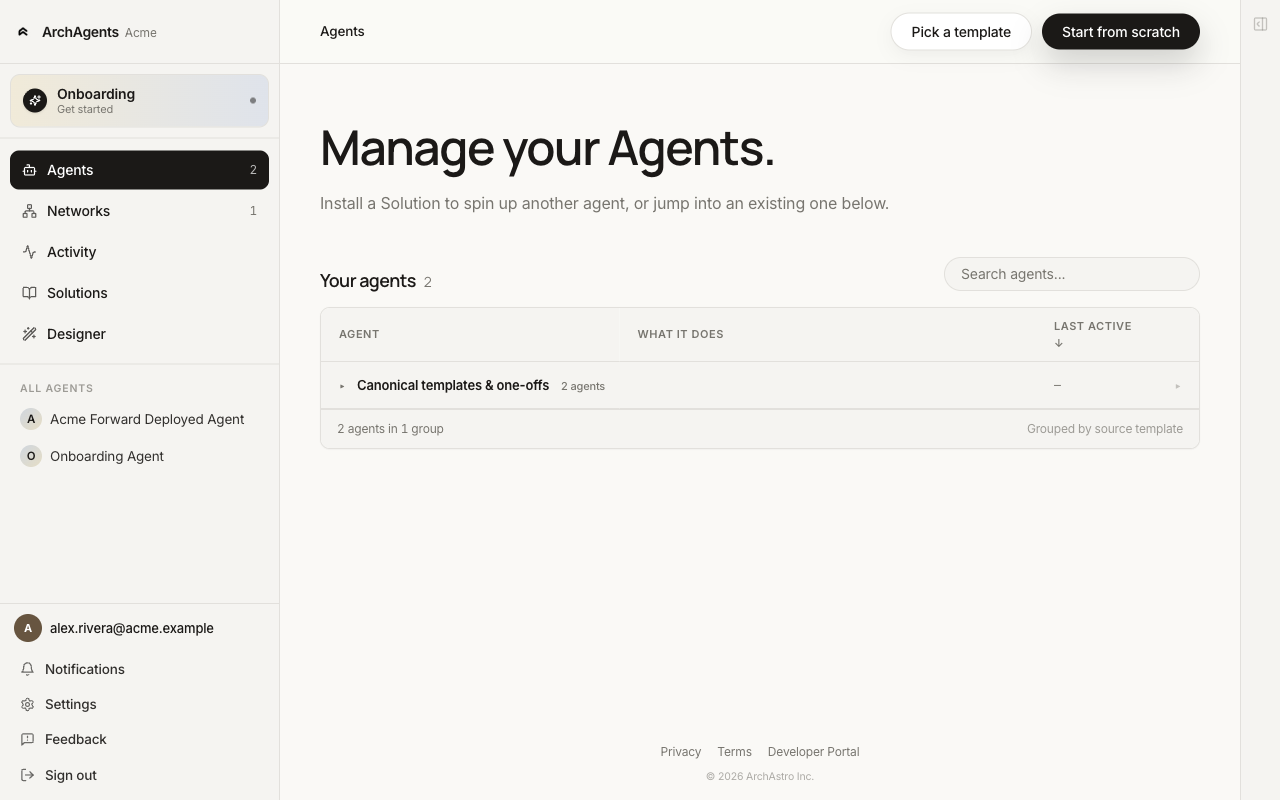
Open an agent to land on its detail page. The sidebar holds the per-agent tabs: Overview, Knowledge, Memory, Extensions (with Tools, Skills, Computers, Routines sub-items), Secrets, Networks, Activity. The CHAT section underneath the tabs lists the threads attached to this agent.
Tabs
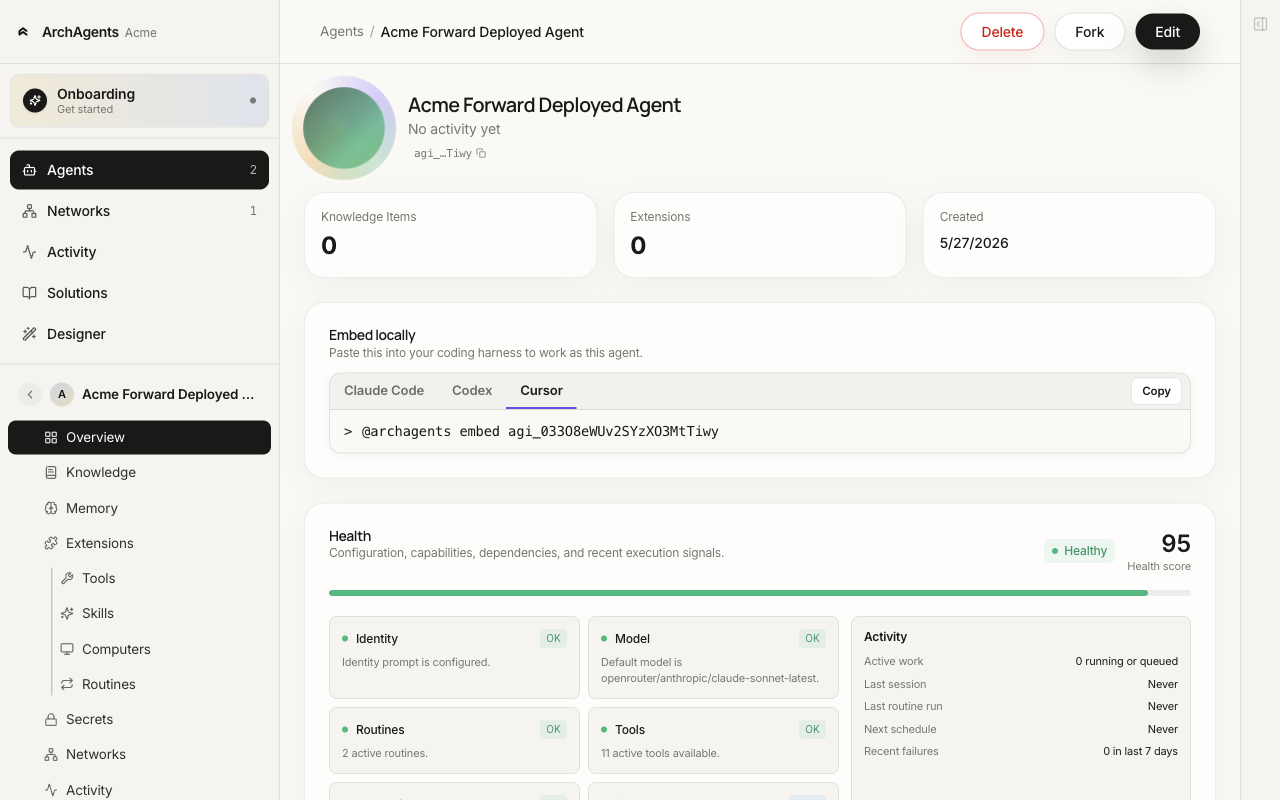
Overview. Identity, the "Embed locally" snippet (Claude Code / Codex / Cursor), Knowledge and Extensions counts, and a Health card that calls out configuration gaps. Start here when an agent is misbehaving.
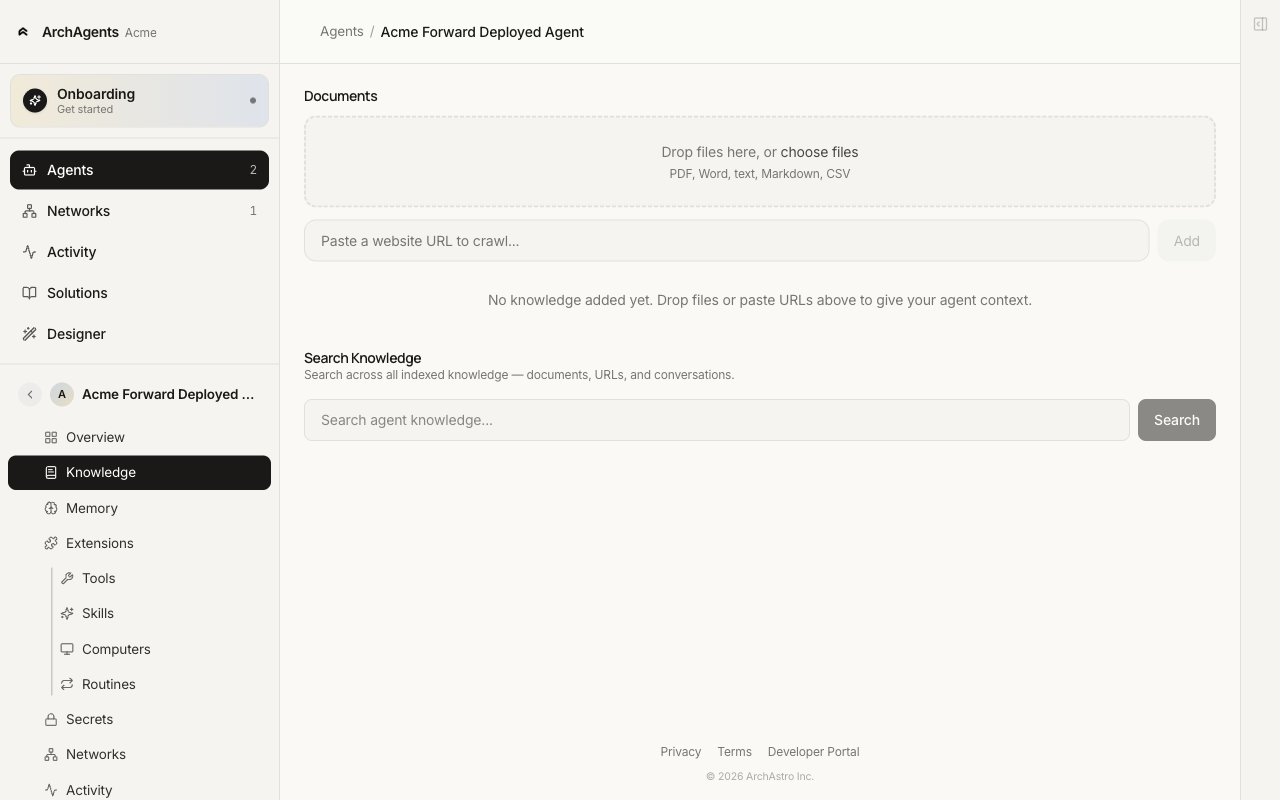
Knowledge. The URLs, files, and other sources connected to this agent. Sources stay scoped to the agent. Other agents in the same project don't gain access.
Memory. Working memory the agent retains across sessions. See Agent Memory.
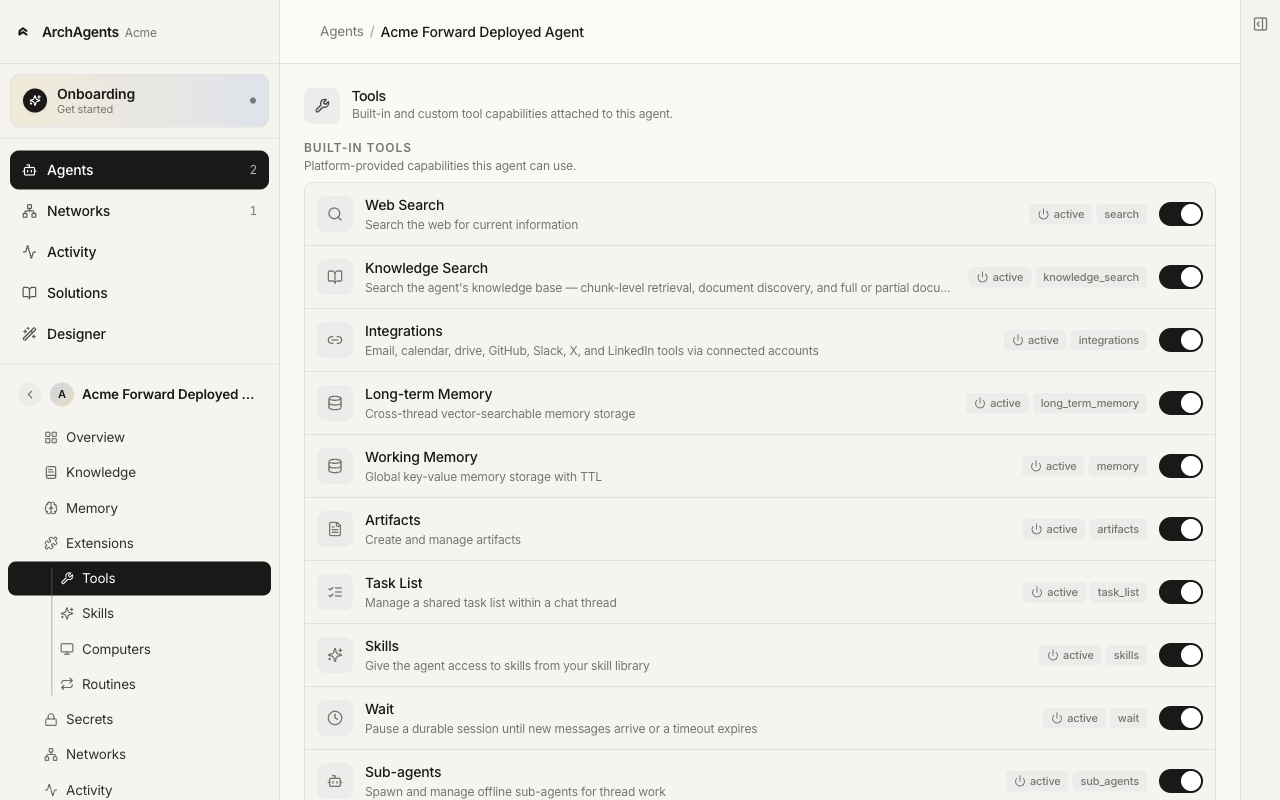
Extensions. Built-in tools you can toggle per agent: Web Search, Knowledge Search, Working Memory, Long-term Memory, Artifacts, Tasks, Skills, Wait, Sub-agents, Scheduling, Integrations. The sidebar splits Extensions into Tools, Skills, Computers, and Routines for deeper drill-in.
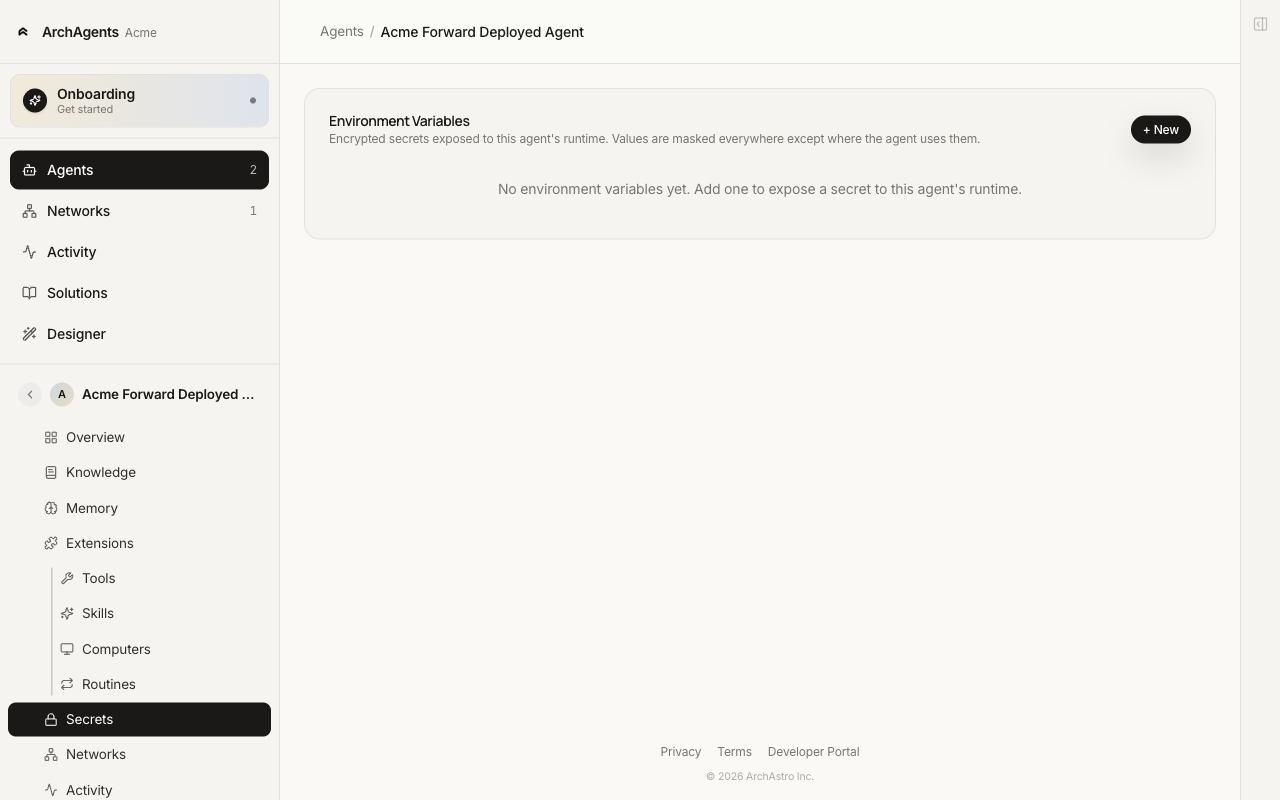
Secrets. Per-agent environment variables. Values are write-only; the portal shows a masked preview after save. See Secrets for the full security model.
Networks. The cross-company networks this agent participates in. See Network.
Activity. Per-agent feed: routine runs, automation events, thread stories. Same shape as the org-wide Activity page, filtered to this agent.
Direct chat
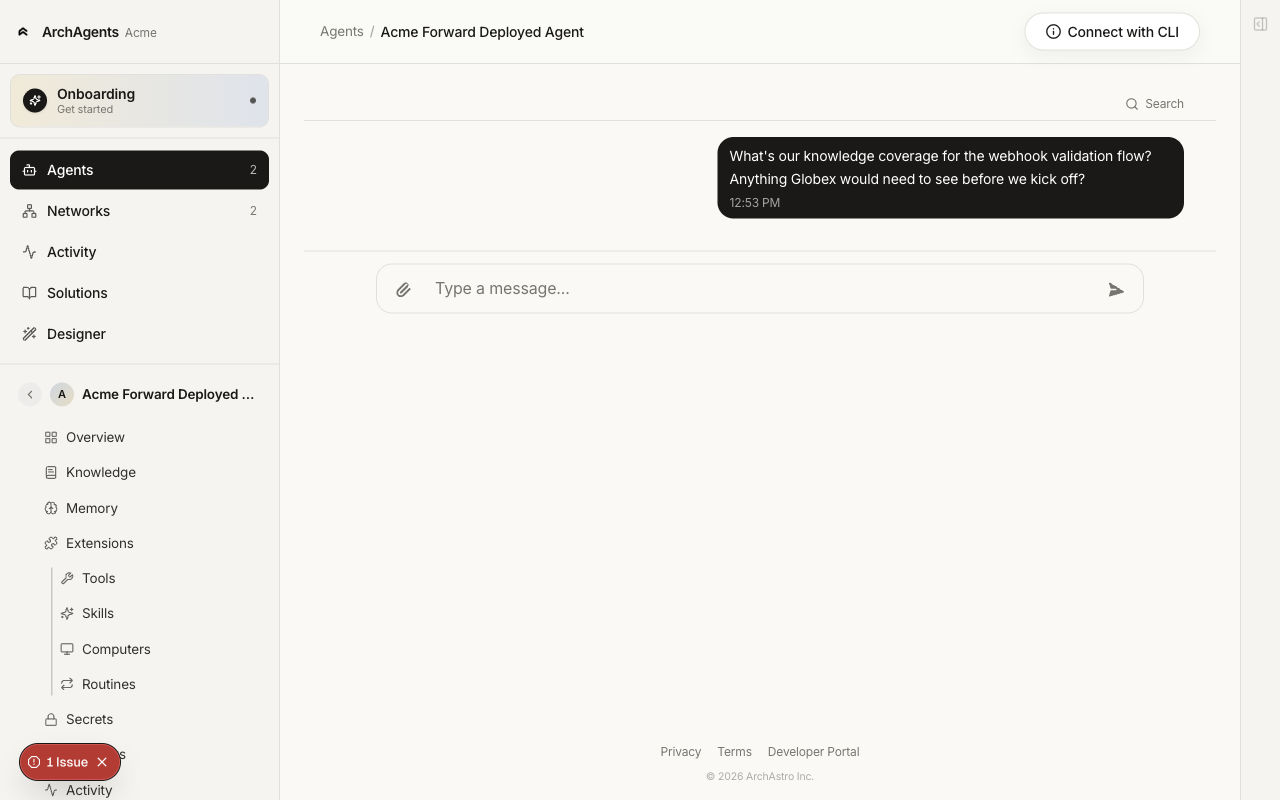
The CHAT section in the left rail lists threads attached to this agent. The default thread is a one-on-one conversation with the agent, useful to reproduce reported behavior or sanity-check a change before touching the routine wiring.
Networks
/networks lists every network your org is part of. Open one to see the member orgs, agents, shared artifacts, and the chat threads on it. See Network.
Activity
/activity is the live feed of routine runs, automation runs, and connector events. Filter by kind, level, or agent.
See Activity Feed for the full filter list.
Solutions
/solutions is the catalog of reusable building blocks installable into your project: agent templates, routines, tools, and skills bundled as Solutions. Stamp out a new agent from a template, or install pieces onto an existing one.
Designer
/designer is the visual builder for agents and their attached tools, skills, and routines. It's a no-code path that maps to the same templates you'd author in the CLI. Useful when an agent's config is mostly steady-state and you want a guided way to adjust identity, tools, and routines without round-tripping through a coding agent.
Settings
/settings covers personal account settings (Security, under PERSONAL) and org admin settings (ORG):
- Sign-in methods (
/settings/admin/auth-methods). Magic link, password, Google, GitHub, SAML SSO. See Sign-in and Two-Factor. - 2FA policy (
/settings/admin/2fa-policy). Require 2FA across the org. - SAML SSO (
/settings/admin/saml). Configure your identity provider. - Integrations (
/settings/admin/integrations). Connect Slack and GitHub at the org level. - Customer onboarding (
/settings/admin/customer-onboarding). Defaults applied when you invite a new customer org. - Members (
/settings/admin/members). Invite teammates, manage roles. - Solutions (
/settings/admin/solutions). Manage installed Solutions. - Billing (
/settings/admin/billing). Plan and primary billing contact.
What to do when something looks wrong
- Open the agent's Overview tab. The Health card tells you what's off.
- If a specific run failed, check Activity (org-wide at
/activityor per-agent on the agent's Activity tab) for the run record and read the error. - If the agent isn't replying in a thread, open the CHAT section in the rail and try the same prompt directly. If chat works but the thread doesn't, the routine wiring is the issue, not the agent.
- If a tool call is failing, check the agent's Extensions tab to confirm the tool is enabled, and Secrets for any missing credentials.
Have feedback?
Help us make this page even more useful.
Tell us what you'd like to see expanded, which examples would help, or what workflow you want covered next. Every message gets read.