
Customer onboarding defaults
Reusable templates that decide what agent gets provisioned for each new customer onboarding, what the first message says, and who gets auto-added.
Overview
The default invite flow (Step 4 of the onboarder, or /networks → Invite a customer) attaches your customer-facing agent to each network you spin up with a customer. That covers the common case.
Customer onboarding templates are the advanced version: reusable blueprints that drive a parallel launch flow when you want more than the default attach. Each template names which AgentTemplate to provision the customer-facing agent from, what its first message says, optionally an agent template to install on the customer's side, and which teammates to auto-add.
Manage them at Settings → Customer onboarding (/settings/admin/customer-onboarding).
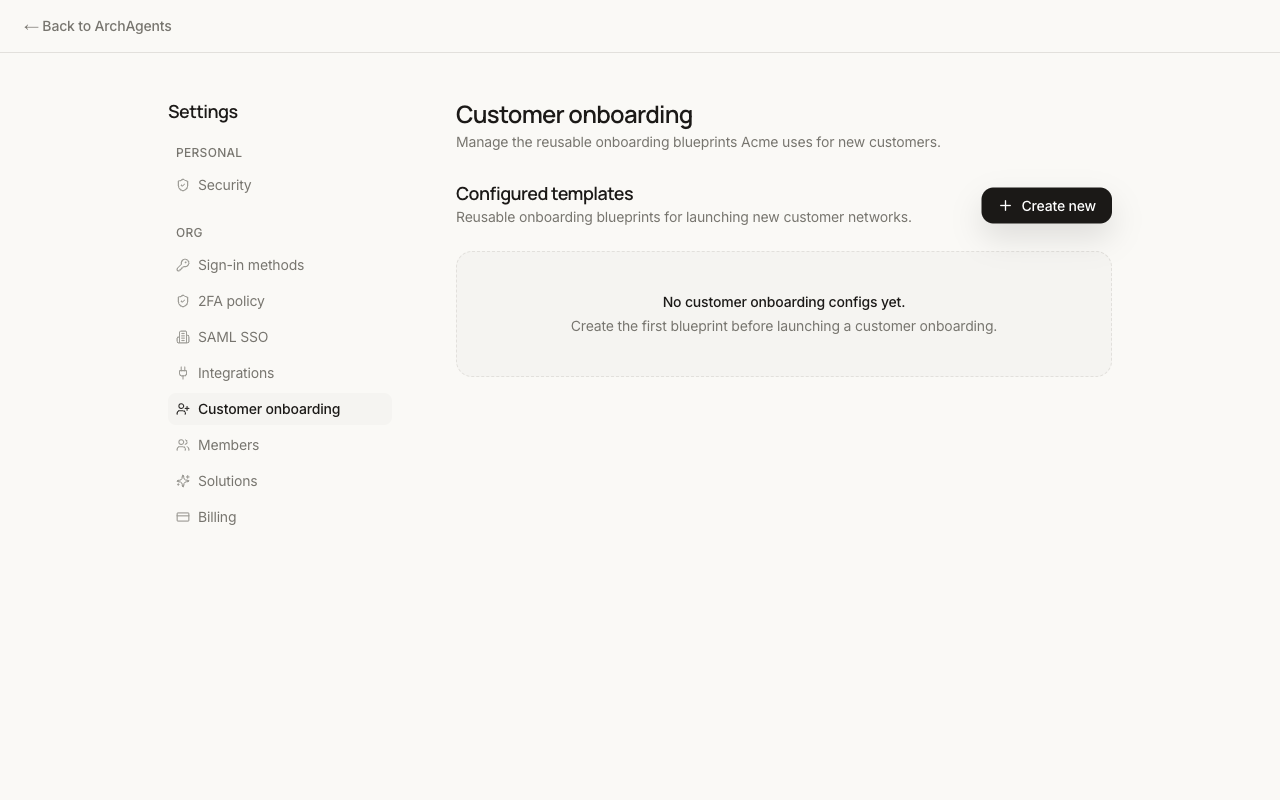
Each template is a Custom Object instance with schema customer-onboarding-template.
What a template configures
The schema has these fields:
| Field | Required | What it does |
|---|---|---|
template_key |
yes | Stable key for this template within your org. Use "default" for the first one. |
name |
yes | Display name shown in settings. |
status |
yes | draft or active. Only active templates can be used for new onboardings. |
agent_template_config_id |
yes | Config ID of the AgentTemplate the customer's onboarding agent is provisioned from. |
kickoff_message_template |
yes | The first message the newly created onboarding agent sends. |
agent_name_template |
no | Display name for the provisioned agent (otherwise inherits from the template). |
customer_side_agent_template_config_id |
no | An AgentTemplate config ID to install on the customer's side as well. |
customer_side_agent_name_template |
no | Display name for the customer-side agent if one is provisioned. |
auto_add_teammate_emails |
no | Provider-side teammate emails to resolve and auto-add to the network. |
description |
no | Internal description shown in settings. |
metadata |
no | Free-form key/value for UI or automation use. |
Manage from the CLI
Customer onboarding templates are custom objects, so the standard custom-object commands apply:
archagent list custom-objects --schema-key customer-onboarding-template
archagent describe custom-object <id>
Create or update via a YAML file:
schema_key: customer-onboarding-template
data:
  template_key: default
  name: Default customer onboarding
  status: active
  agent_template_config_id: <agent-template-config-id>
  kickoff_message_template: |
    Welcome! I'm here to help your team get set up.
  auto_add_teammate_emails:
    - alex@acme.example
Then archagent deploy configs <file>.
When templates apply
Each new customer invite picks the active template marked default (or named explicitly in the invite if your invite flow supports it). Existing customer networks aren't retroactively changed when you edit a template; updates apply only to new onboardings that start after the change.
Where to go next
- Network: what a customer network actually is.
- Agent Network - Getting Started: the invite flow.
- Custom Objects: the underlying schema and storage model.
Have feedback?
Help us make this page even more useful.
Tell us what you'd like to see expanded, which examples would help, or what workflow you want covered next. Every message gets read.